

Your CRM is only as powerful as its connections. GoHighLevel already packs a punch with built-in automation, but when you unlock the API? That's when things get SERIOUS.
API integration lets you connect GoHighLevel to virtually any tool in your tech stack. Think custom lead flows, automated client onboarding, real-time data syncing, and workflows that run while you sleep. Whether you're an agency managing multiple clients or a business owner looking to scale without hiring more people, API integration is your ticket to next-level efficiency.
Let's break down exactly how to connect, automate, and scale with GoHighLevel API solutions.
What Is the GoHighLevel API (And Why Should You Care)?
The GoHighLevel API is a REST-style interface that gives you programmatic access to your CRM data. Contacts, calendars, campaigns, opportunities, pipelines, you can read, create, update, and delete records through code or third-party connectors.
Why does this matter?
Because manual data entry is a TIME KILLER. When your systems talk to each other automatically, you eliminate copy-paste errors, speed up response times, and free yourself to focus on actual revenue-generating activities.


How to Connect GoHighLevel With External Tools
There are three main ways to connect GoHighLevel with the rest of your business tools:
1. Direct API Calls
This is the most powerful and flexible option. With direct API access, you can build custom integrations tailored exactly to your workflow. You'll need some technical know-how (or a team that has it), but the possibilities are nearly endless.
To get started:
- Navigate to Settings > Company > API Key in your HighLevel account
- Generate your credentials
- Use your preferred programming language or tool (like Postman) to make requests
2. Webhooks
Webhooks let GoHighLevel push data to external tools when specific events happen. For example, when a new contact is created or an appointment is booked, a webhook can instantly notify your other systems.
This is perfect for triggering actions in tools like Slack, Airtable, or custom applications without constantly polling the API.
3. Zapier or Make.com (No-Code Options)
Not everyone wants to write code, and that's totally fine. Zapier and Make.com let you create visual automations that connect GoHighLevel to thousands of apps.
Popular Zapier integrations include:
- Stripe to GoHighLevel: Auto-create contacts when payments are received
- Google Sheets to GoHighLevel: Sync lead data for reporting
- Calendly to GoHighLevel: Push appointments directly into your CRM
Authentication: API Keys vs OAuth 2.0
Before you start making API calls, you need to authenticate. GoHighLevel supports two methods:
| Method | Best For | Setup Complexity |
|---|---|---|
| API Keys | Single-location setups, quick integrations | Low |
| OAuth 2.0 | Multi-location agencies, secure delegated access | Medium |
For most small to mid-sized businesses, API keys work great. If you're an agency managing multiple sub-accounts, OAuth 2.0 provides the security and flexibility you need.
Pro tip: Always store your API credentials securely. Never expose them in client-side code or public repositories.
Real Use Cases for Business Automation
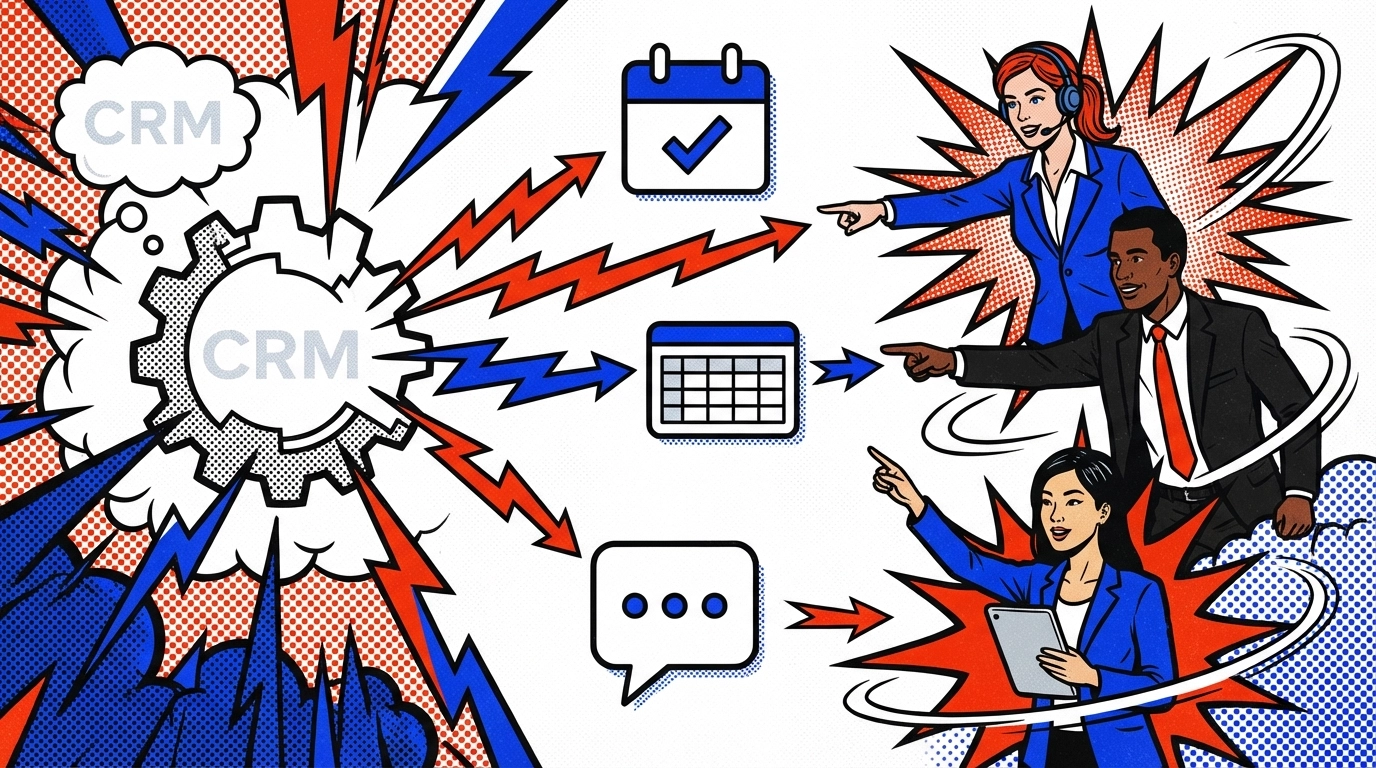
Let's get practical. Here are some real-world automation patterns that MOVE businesses forward:
Lead Ingestion From Any Source
Got a custom website form? Using Webflow or Squarespace? No problem. Push form submissions directly into GoHighLevel as new contacts with proper tags and pipeline stages. No more exporting CSVs or manual imports.
Cross-CRM Triggers
Some businesses use multiple CRMs (yes, it happens). With API integration, you can trigger GoHighLevel workflows when deals close in Salesforce, HubSpot, or another platform. This keeps your follow-up sequences running smoothly across systems.
Payment-Based Onboarding
When a client pays via Stripe or PayPal:
- Automatically create a contact in GoHighLevel
- Apply a "client" tag
- Trigger an onboarding email sequence
- Notify your team in Slack
This entire workflow happens in seconds: no human intervention required.

Data Synchronization
Need to sync appointment data to Google Sheets for reporting? Pull opportunity data into Airtable for custom dashboards? The API makes it possible. You can even feed data into Google Data Studio or Tableau for client-facing analytics.
Custom Client Dashboards
Agencies love this one. Pull reporting data on opportunity stages, call outcomes, and email metrics to build beautiful dashboards that impress clients and demonstrate ROI.
Zapier Integration vs Direct API Workflows
Both approaches have their place. Here's when to use each:
Choose Zapier/Make.com when:
- You need quick, simple automations
- You don't have a developer on staff
- The integration is straightforward (e.g., form to CRM)
Choose Direct API when:
- You need complex, multi-step logic
- High volume or real-time performance matters
- You want full control over error handling and data formatting
Many businesses use both. Start with Zapier for rapid deployment, then graduate to direct API for high-volume or mission-critical workflows.
Common API Troubleshooting Tips
Even well-built integrations hit snags. Here's how to troubleshoot the most common issues:
1. Authentication Errors
Double-check your API key or OAuth token. Credentials can expire or get revoked. Regenerate if needed.
2. Rate Limiting
GoHighLevel enforces rate limits to protect server performance. If you're hitting limits, cache data locally and reduce unnecessary requests. Batch operations when possible.
3. Missing or Malformed Data
Validate your request payloads before sending. Use tools like Postman or Insomnia to test endpoints in a sandbox environment. Check that required fields are populated.
4. Webhook Failures
If webhooks aren't firing, verify the endpoint URL is correct and publicly accessible. Check your server logs for incoming requests. Make sure your receiving server responds with a 200 status code.
5. Duplicate Records
Implement idempotent operations. Before creating a new contact, check if one already exists with that email or phone number. This prevents messy data duplication.

Key API Endpoints You'll Use Most
Here's a quick reference for the core endpoints:
| Endpoint | Operations | Primary Use Case |
|---|---|---|
| Contacts | Create, read, update, list | Lead creation, updates, deduplication |
| Calendars/Appointments | Create, read, patch | Booking, rescheduling, availability |
| Campaigns | Create, patch, enroll contacts | Drip campaigns, sequence enrollment |
| Opportunities | Create, update, advance stages | Sales pipeline tracking |
| Pipelines | Get, post definitions | Map sales stages and transitions |
Mastering these endpoints covers about 80% of typical automation needs.
How Automation Labs Help Implement Advanced Solutions
Building API integrations takes time, testing, and technical expertise. That's where specialized automation labs come in.
At HighLevel Automation Lab, we design and implement custom API workflows that connect your entire tech stack. From lead ingestion to payment-triggered onboarding, we build systems that SCALE with your business.
Our team handles:
- Custom API development and webhook configuration
- Zapier and Make.com automation setup
- Data migration and synchronization
- Troubleshooting and ongoing optimization
If you've been struggling to get your systems talking to each other: or you simply don't have time to figure it out: we've got you covered.
Check out how we help businesses streamline operations: Automate Cleaning & Home Service Bookings with GoHighLevel
Ready to Connect, Automate & Scale?
API integration transforms GoHighLevel from a powerful CRM into the central nervous system of your entire business. When your tools communicate seamlessly, you eliminate manual busywork, reduce errors, and create experiences that delight clients.
Start small. Pick one workflow that's eating up your time: maybe it's lead capture or client onboarding: and automate it. Once you see the results, you'll wonder why you waited so long.
The future of your business runs on automation. Let's build it.