

Why Automation Feels Scary (But Is Actually Your Best Friend)
Let's be honest, automation sounds intimidating. You picture complicated tech, things breaking, and losing that "personal touch" your clients love. But here's the truth: manual follow-ups are killing your business growth.
Every time you manually send an email, forget to follow up with a lead, or copy-paste the same onboarding instructions for the hundredth time, you're losing TIME and MONEY. The good news? GoHighLevel automation for coaches, consultants, and local businesses isn't rocket science. It's actually your secret weapon for working smarter while keeping things personal.
Think of workflows as your 24/7 employee who NEVER sleeps, NEVER forgets, and NEVER drops the ball. Once you build your first client journey automation, you'll wonder how you ever survived without it.
This guide walks you through creating your FIRST complete workflow, from the moment a lead finds you to the second they become a paying client (and beyond). No tech degree required.

Step 1: The Lead Capture (Where It All Begins)
Your automation journey starts with ONE simple question: How do leads get into your system?
For most businesses, it's through forms, surveys, or booking pages. This is your "front door", the trigger that kicks off everything else.
Setting Up Your Trigger
Inside GoHighLevel, navigate to Automation and click Create Workflow. If you're new to this, start with a Recipe or Template. Don't overthink it, you can always customize later.
Your first decision: What action starts this workflow?
Common triggers for lead capture:
- Form Submission (someone fills out your "Get a Quote" form)
- Appointment Booked (they schedule a discovery call)
- Survey Completed (they answer your intake questions)
- Tag Added (they click a specific link or download a resource)
Pick ONE trigger to start. Let's say you're a consultant and someone just filled out your "Free Strategy Session" form. That form submission is your trigger.
Filter Your Trigger for Precision
Here's where most beginners mess up, they let EVERY form submission fire the same workflow. But what if you have multiple forms? You need filters.
Add a filter to specify WHICH form triggers this workflow. For example: "Form Submitted = Strategy Session Request." This way, only the right leads enter your automation, and you avoid spamming people who filled out unrelated forms.
This is CRM setup for consultants using GoHighLevel 101: specificity MOVES you forward.

Step 2: The Instant Follow-Up (Strike While the Iron Is HOT)
Your lead just submitted a form. They're interested. They're engaged. And they're probably checking their inbox RIGHT NOW.
This is where GoHighLevel lead nurturing automation becomes your competitive advantage.
Build Your First Action: The Instant Response
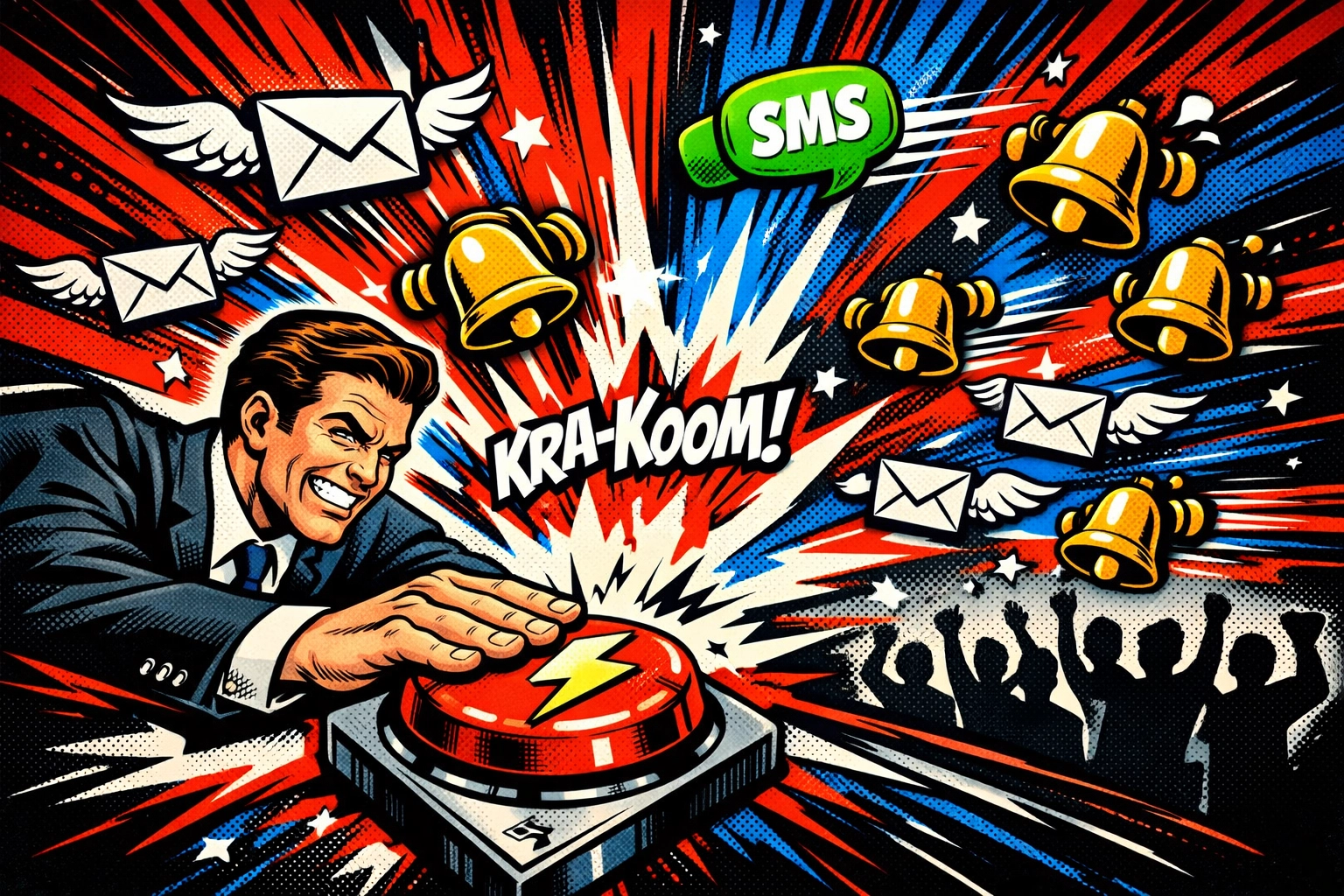
Immediately after your trigger fires, add an action: Send Email or Send SMS.
Your message should:
- Confirm you received their request
- Set expectations ("We'll reach out within 24 hours")
- Provide instant value (a quick tip, resource, or next step)
Example SMS:
"Hey [First Name]! Just got your strategy session request. Checking my calendar now, expect a call from me within the next hour. In the meantime, here's a quick video on [relevant topic]: [link]"
Notice how it's casual, personal, and action-oriented? That's the vibe.
Layer In a Wait Step + Follow-Up Sequence
Don't stop at one message. Add a Wait Step (maybe 1 hour or 1 day) and then send a SECOND message if they haven't responded yet.
Your follow-up sequence might look like:
- Immediate: Confirmation message
- Wait 2 hours: "Still interested? Here's what to expect on our call."
- Wait 1 day: "Quick question, are you available Tuesday at 3pm?"
This is how you setup sales pipeline in GoHighLevel without feeling pushy. You're guiding, not chasing.
Step 3: Managing the Pipeline (Keep Leads MOVING)
Once your lead responds or books a call, they need to move through your sales process. This is where your pipeline stages come into play.
Create Pipeline Stages That Match Your Process
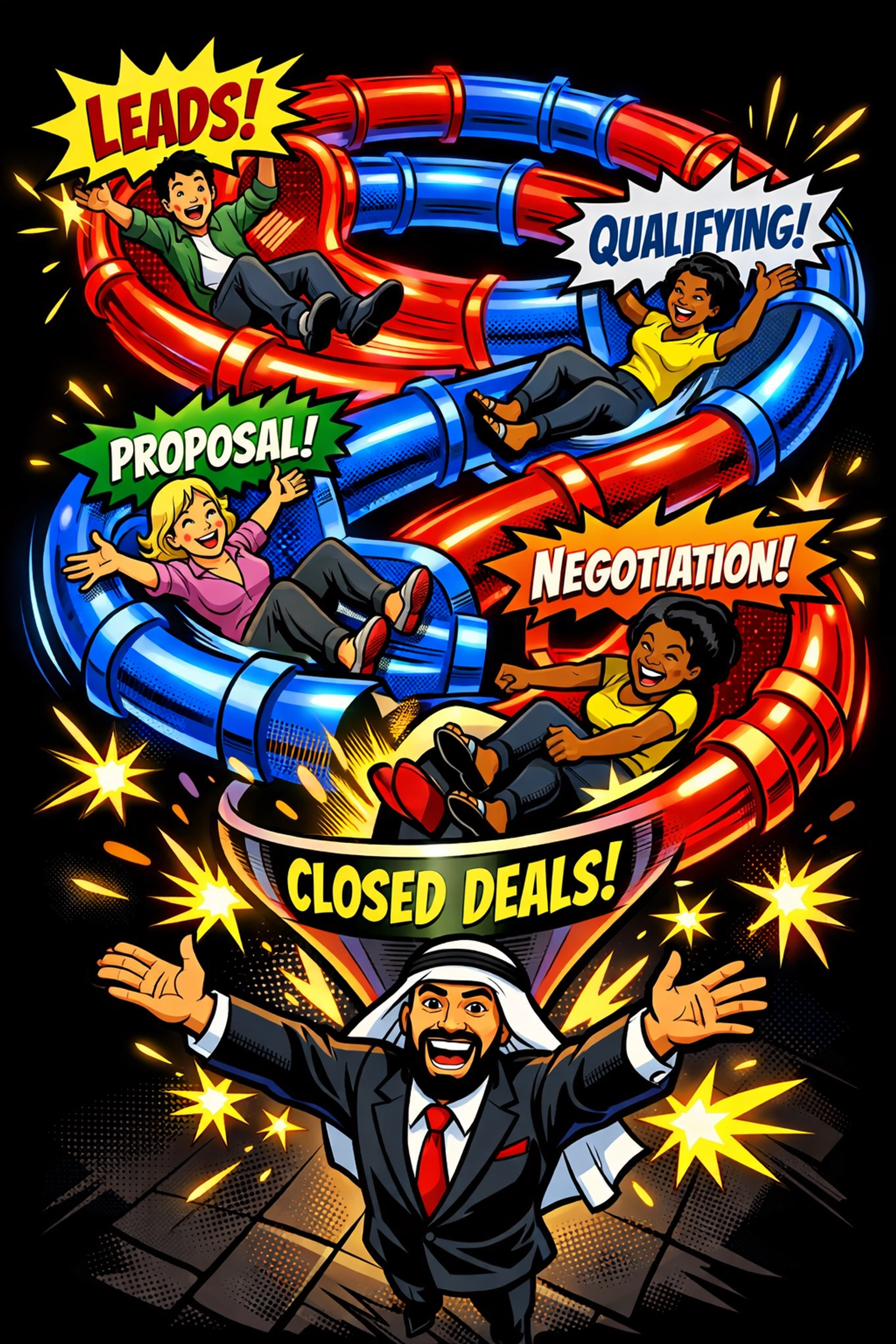
Inside GoHighLevel, setup your pipeline stages to reflect YOUR actual sales journey. For example:
- New Lead (just came in)
- Contacted (you've reached out)
- Appointment Set (discovery call booked)
- Proposal Sent (they're reviewing your offer)
- Closed-Won (they said YES!)
- Closed-Lost (not a fit right now)
Automate Stage Movement
Here's the game-changer: your workflow can automatically MOVE leads between stages based on their actions.
For example:
- If they book an appointment → Move to "Appointment Set" stage
- If they reply "YES" to your email → Move to "Hot Lead" stage
- If 7 days pass with no response → Move to "Nurture" stage
Use If/Else Conditions in your workflow to create these paths. Think of it like a "Choose Your Own Adventure" book, every action your lead takes changes where they go next.
This is how GoHighLevel consultants build systems that RUN THEMSELVES.
Step 4: Closing & Onboarding (Turn Clients Into RAVING FANS)
Your lead said YES. They're ready to work with you. Now what?
Most businesses drop the ball here. They forget to send onboarding documents, miss the first payment setup, or leave clients confused about next steps. NOT YOU.
Automate Client Onboarding with GoHighLevel
When a deal moves to "Closed-Won" in your pipeline, trigger a NEW workflow that handles everything:
Action 1: Send Welcome Email
Include:
- What happens next
- Links to your client portal or scheduling system
- Any forms they need to complete
Action 2: Send Contract & Invoice
Automatically generate and send your service agreement and first invoice using GoHighLevel's built-in tools or integrations.
Action 3: Schedule Kickoff Call Reminder
Send a calendar invite and reminder texts leading up to your first session together.
Action 4: Add to Client Communication Sequence
Move them into an ongoing nurture sequence with tips, check-ins, and upsell opportunities.
By the time your client gets through this workflow, they feel TAKEN CARE OF, and you didn't lift a finger after the initial setup.
This is what it means to automate client onboarding with GoHighLevel. You're not removing the personal touch. You're SCALING it.
Pro Tips for Your First Workflow
Before you hit "Activate," here are a few insider moves:
Test Before You Launch
Use a test contact (your own email or phone number) to trigger the workflow. Make sure:
- Messages send correctly
- Wait steps work as expected
- Links aren't broken
- Your tone feels right
Start Simple, Then Layer
Don't try to build a 47-step workflow on day one. Start with a basic lead capture → follow-up → pipeline movement sequence. Once it's running smoothly, ADD more sophistication (A/B tests, conditional splits, advanced nurturing).
Monitor and Tweak
Activate your workflow and watch how leads flow through it. Are they getting stuck at a certain stage? Is your follow-up timing too aggressive (or too slow)? Adjust based on REAL data, not guesses.
Use Tags for Segmentation
As leads move through your workflow, tag them based on behavior ("Opened Email," "Watched Video," "High Intent"). This lets you create hyper-targeted follow-ups later.
Why This MOVES Your Business Forward
Here's what happens when you automate your first client journey:
✅ Zero leads slip through the cracks, everyone gets an instant response
✅ Your follow-up is consistent, no more "Oops, I forgot to email them back"
✅ Your pipeline stays organized: you see exactly where every lead stands
✅ Clients feel valued: they get seamless onboarding without delays
✅ You free up HOURS every week: time you can spend closing deals or serving clients
This isn't about replacing YOU. It's about letting automation handle the REPETITIVE stuff so you can focus on the HIGH-VALUE work only you can do.

HighLevel Automation Lab Builds the WHOLE Ecosystem for You
Look, we get it: even with this guide, building workflows from scratch can feel overwhelming. You're running a business. You don't have time to become a tech wizard.
That's where HighLevel Automation Lab comes in.
We don't just build ONE workflow. We build your ENTIRE ecosystem:
- Custom funnels that capture leads
- CRM pipelines that match your sales process
- AI-powered workflows that nurture and close
- Onboarding sequences that wow clients
- Integration setups that connect your whole tech stack
We specialize in coaches, consultants, and local businesses who want their backend operations to RUN WITHOUT THEM. No more piecing together tutorials or hoping you did it right. We build it, test it, and hand you the keys.
Want to see how a fully automated client journey ACTUALLY works? Explore our case studies or reach out: we'll walk you through exactly what your business needs.
Your First Workflow Changes Everything
Building your first GoHighLevel workflow is like learning to ride a bike. It feels shaky at first, but once you get it, you NEVER forget.
Start with ONE simple automation. Lead capture → instant follow-up → pipeline movement. Get that running. Then build from there.
Before you know it, you'll have a business that runs like a well-oiled machine: capturing leads, nurturing relationships, closing deals, and onboarding clients: all while you sleep.
That's the power of automation. And that's what GoHighLevel (paired with the right strategy) can do for your business.
Ready to build your first workflow? Or ready to hand the whole thing off to experts who'll do it FOR you? Either way, the time to automate is NOW.