
Your phone rings at 7 AM. Mrs. Johnson has a wasp nest the size of a basketball under her deck. Twenty minutes later, another call, the Martinez family's electrical panel is sparking. Then boom, another emergency repair request floods your inbox.
Sound familiar? If you're running a pest control, electrical, or repair business, you know the CHAOS of juggling urgent service calls while trying to keep your team organized and customers happy.
Here's the thing: FAST JOB DISPATCHING isn't just about speed, it's about SURVIVAL in the competitive local service game. The business that responds first, dispatches fastest, and keeps customers in the loop WINS the contract every single time.
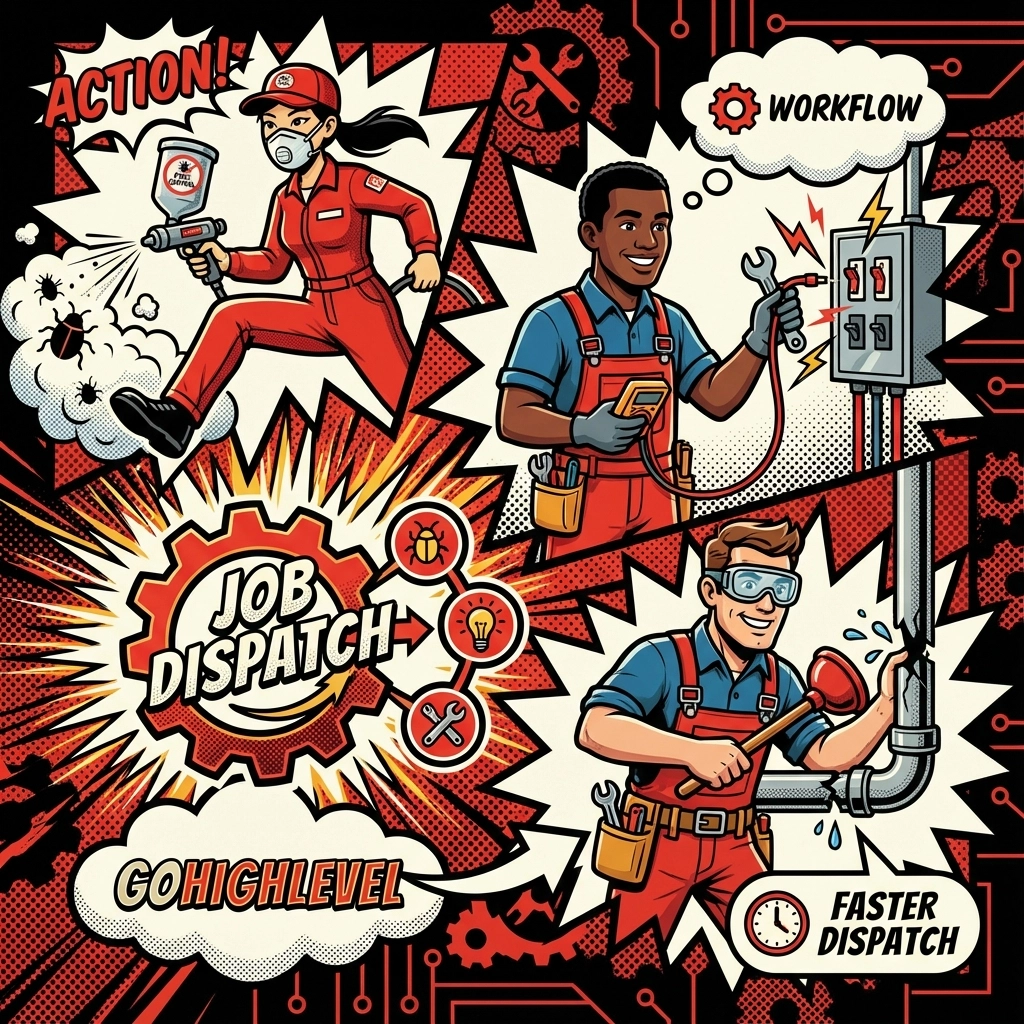
That's where GoHighLevel workflow automation becomes your secret weapon. No more sticky notes, confusing spreadsheets, or missed dispatch opportunities. Just STREAMLINED, AUTOMATED workflows that move jobs from inquiry to completion without the headaches.
Why Workflow Automation TRANSFORMS Local Service Businesses
Traditional dispatching is a nightmare. Phone calls get lost, technicians show up to the wrong address, customers wonder where their service pro disappeared to, and you're constantly playing catch-up.
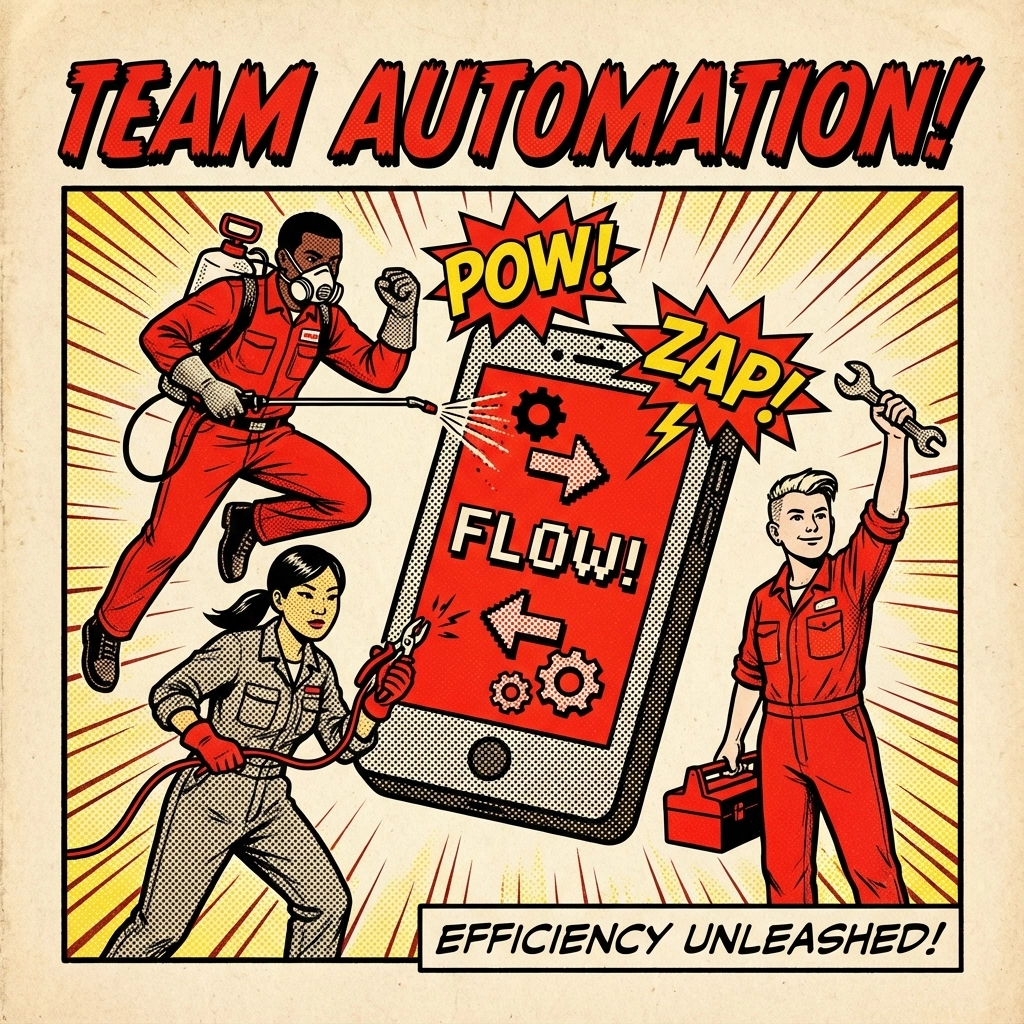
GoHighLevel changes everything. When a customer reaches out through ANY channel, website form, phone call, text message, or social media, your AUTOMATED WORKFLOW springs into action immediately.
Here's what happens in seconds, not hours:
- Customer inquiry gets captured and tagged automatically
- Lead moves through your custom pipeline stages
- SMS and email triggers fire to keep everyone updated
- Mobile notifications reach your field team instantly
- Live updates flow back to customers throughout the process
The result? FASTER RESPONSE TIMES | HAPPIER CUSTOMERS | MORE PROFITABLE OPERATIONS
Step-by-Step GoHighLevel Workflow Setup for Service Dispatch
Step 1: Create Your Service-Specific Pipeline
Start by building separate pipelines for each service type. Your pest control pipeline stages might look like:
- Initial Inquiry
- Quote Scheduled
- Quote Delivered
- Job Scheduled
- Technician Dispatched
- Service Complete
- Follow-Up Sent
For electrical work, you might need:
- Emergency Call
- Assessment Scheduled
- Parts Ordered
- Work Scheduled
- Job In Progress
- Quality Check
- Invoice Sent
PRO TIP: Keep your pipeline stages SIMPLE and ACTION-ORIENTED. Your team should instantly understand where every job stands.
Step 2: Set Up Smart Triggers
Your workflow automation starts with TRIGGERS, the events that kick everything into motion. Configure these essential triggers:
Form Submission Trigger: When someone fills out your service request form
Phone Call Trigger: When calls come through your GoHighLevel phone system
SMS Trigger: When customers text your business number
Appointment Booking Trigger: When someone schedules through your calendar
Each trigger should automatically TAG the contact with relevant information:
- Service type (pest, electrical, repair)
- Urgency level (emergency, standard, routine)
- Location zone
- Customer type (residential, commercial)

Step 3: Build Your Dispatch Automation Sequence
Here's where the MAGIC happens. Once a trigger fires, your workflow automatically:
Immediate Response (0-2 minutes):
- Sends confirmation SMS to customer
- Creates job record in your pipeline
- Notifies dispatch team via SMS/email
- Updates customer with expected response time
Technician Assignment (2-15 minutes):
- Checks technician availability by zone
- Assigns closest available tech
- Sends job details to technician's mobile
- Updates customer with technician info and ETA
Real-Time Updates:
- GPS tracking updates sent to customer
- Automatic "tech is on the way" notifications
- Arrival confirmation messages
- Job completion follow-ups
Step 4: Configure SMS and Email Templates
Speed matters, but PERSONALIZATION wins customers for life. Set up templated messages that feel personal:
For Pest Control:
"Hi [First Name]! We received your request about [Pest Type] at [Address]. Our certified technician [Tech Name] will arrive between [Time Window]. Track their location: [GPS Link]"
For Electrical Work:
"[First Name], your electrical issue at [Address] is our priority. Licensed electrician [Tech Name] is heading your way with ETA [Time]. Any questions? Reply here!"
For Repair Services:
"Got it, [First Name]! Your [Repair Type] repair is scheduled. [Tech Name] will arrive at [Address] around [Time] with all necessary tools and parts."
Industry-Specific Workflow Optimizations
Pest Control Workflows: Speed and Seasonal Intelligence
Pest control is URGENCY-DRIVEN. Your workflows need to recognize emergency situations and respond accordingly.
Emergency Pest Automation:
- Keywords like "wasp," "bee swarm," or "infestation" trigger PRIORITY workflows
- Emergency jobs bypass standard scheduling and alert on-call technicians immediately
- Automated upsell sequences for preventative treatments after emergency calls
Seasonal Workflow Adjustments:
- Spring triggers for ant and termite campaigns
- Summer mosquito and wasp prevention workflows
- Fall rodent-proofing automation sequences
- Winter spider and indoor pest management
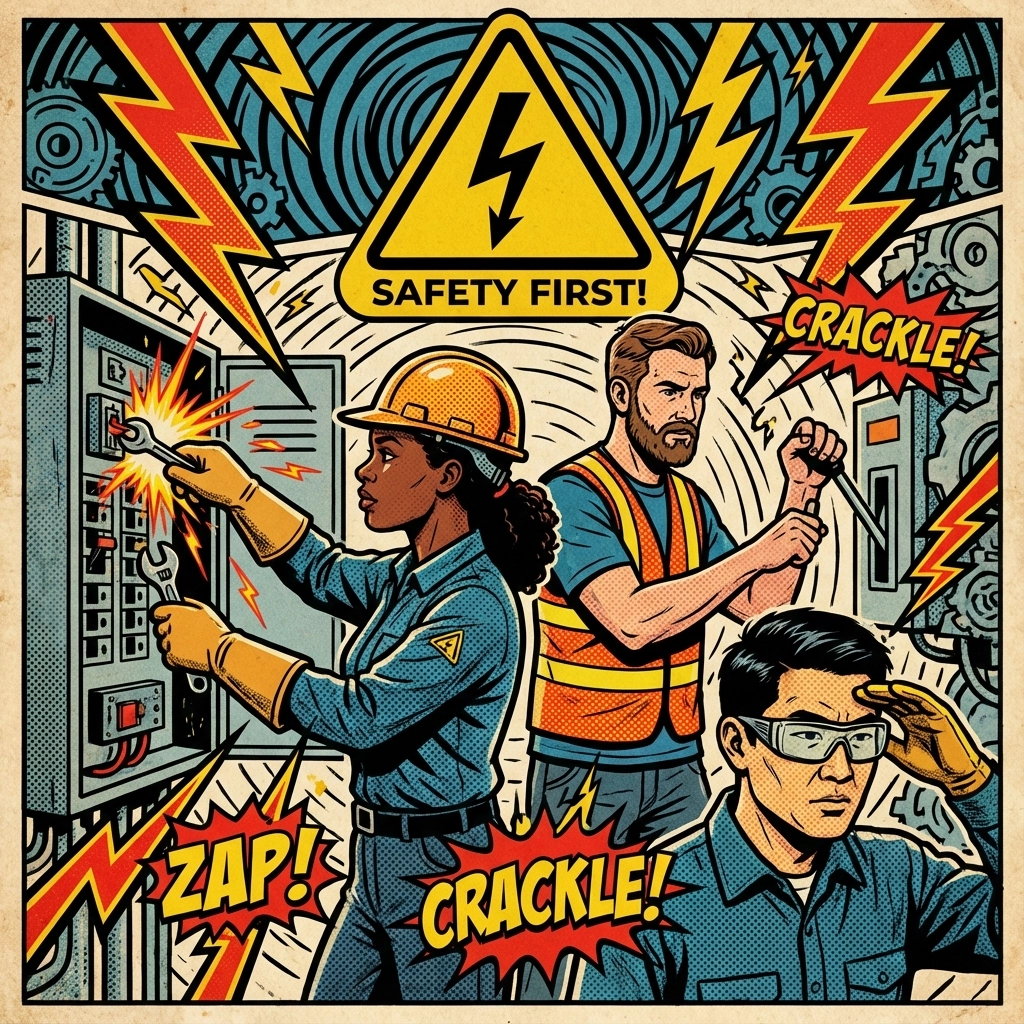
Electrical Workflows: Safety and Compliance Focus
Electrical work carries SERIOUS SAFETY and legal requirements. Your workflows must reflect this reality.
Safety-First Automation:
- Keywords like "sparking," "burning smell," or "power outage" trigger EMERGENCY protocols
- Automatic safety reminder messages sent to customers before arrival
- Post-job safety inspection workflows and warranty follow-ups
Compliance Documentation:
- Automated permit request workflows for major electrical work
- Digital inspection report generation and delivery
- Code compliance verification steps built into job completion
Repair Service Workflows: Diagnostic and Parts Management
General repair services face unique challenges around DIAGNOSTICS and PARTS AVAILABILITY.
Diagnostic Automation:
- Pre-arrival questionnaires sent via SMS to gather initial information
- Photo request workflows so customers can send images before technician arrival
- Automated equipment age and warranty lookup based on customer responses
Parts and Inventory Management:
- Automatic parts availability checks when jobs are scheduled
- Supplier notification workflows when parts need ordering
- Customer update sequences when parts delays occur
Mobile Coordination That Actually Works
Your technicians live on their phones. Make sure your GoHighLevel setup WORKS with their reality, not against it.
Mobile-First Notifications:
- SMS job alerts with one-click accept/decline options
- Push notifications through the GoHighLevel mobile app
- Voice call escalation when SMS goes unread for 10 minutes
Real-Time Status Updates:
- Simple "On My Way," "Arrived," and "Complete" buttons
- Photo upload capabilities for before/after documentation
- Digital signature collection right from mobile devices
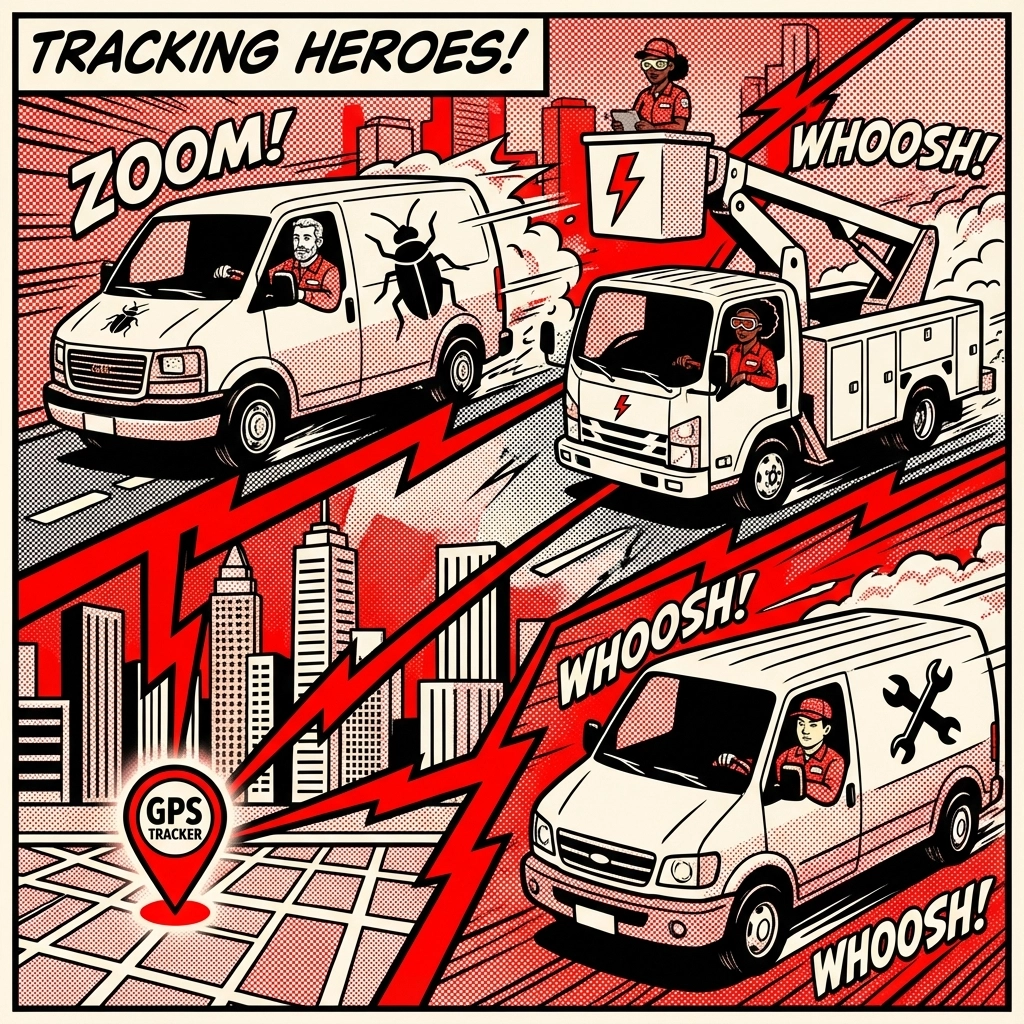
GPS Integration Benefits:
- Automatic customer notifications when technician is 15 minutes away
- Route optimization suggestions for multiple jobs
- Accurate arrival time predictions based on real traffic data
Live Updates That Build Trust
Customers today expect AMAZON-LEVEL tracking for everything: including service calls. GoHighLevel makes this possible without complexity.
Automated Progress Updates:
- "Job assigned" confirmations with technician details
- "En route" messages with live GPS tracking
- "Work in progress" updates every 30 minutes for longer jobs
- "Complete" notifications with digital invoice delivery
Proactive Communication:
- Weather delay notifications with automatic rescheduling options
- Parts delay updates with revised timeline estimates
- Traffic delay messages with updated ETAs
Measuring Success: KPIs That Matter
Your workflows are only as good as the RESULTS they deliver. Track these essential metrics:
Response Speed:
- Average time from inquiry to initial response
- Time from assignment to technician departure
- Customer satisfaction scores related to response time
Operational Efficiency:
- Jobs completed per technician per day
- Travel time optimization improvements
- Administrative time reduction percentages
Customer Experience:
- Net Promoter Scores before and after automation
- Review response rates and quality improvements
- Repeat customer percentage increases
Getting Started: Your 30-Day Implementation Plan
Week 1: Set up basic pipelines and triggers for your primary service offerings
Week 2: Create and test SMS/email templates with real customer scenarios
Week 3: Train your team on mobile workflows and status update processes
Week 4: Go live with full automation and monitor performance metrics
The beauty of GoHighLevel is that you can start simple and build complexity as your team adapts. Don't try to automate everything on day one: focus on your BIGGEST pain points first.
READY TO TRANSFORM YOUR DISPATCHING? Your competitors are still juggling phone calls and sticky notes while you could be running a precision-automated service operation. The choice is yours: keep struggling with manual processes or LEVEL UP your entire business with workflow automation that actually works.
The clock is ticking on every service call. Make sure your systems are FAST enough to win.