
Moving your local service business from an outdated CRM to GoHighLevel should streamline operations and boost revenue. But one wrong move during migration can crash your appointment system, lose customer data, and damage client relationships overnight.
Here are the TOP MIGRATION MISTAKES that sink local service businesses: and exactly how to avoid them.
MISTAKE #1: The “Copy-Paste” Migration Disaster
What Goes Wrong: Most business owners assume they can simply copy their old automation workflows directly into GoHighLevel. This “lift and shift” approach FAILS because GoHighLevel operates on multi-channel automation while legacy CRMs use basic, single-channel triggers.
Real Example: A plumbing contractor copied his email-only follow-up sequence from his old CRM. In GoHighLevel, this created broken workflows because the system expects SMS, email, AND voicemail integration. His appointment confirmations stopped working, leading to 30% more no-shows in the first week.
THE FIX: Rebuild every automation from scratch using GoHighLevel’s multi-channel capabilities. Map out your current workflows on paper first, then reconstruct them to leverage SMS, email, and voice drops simultaneously.

MISTAKE #2: Importing DIRTY DATA Into Your New System
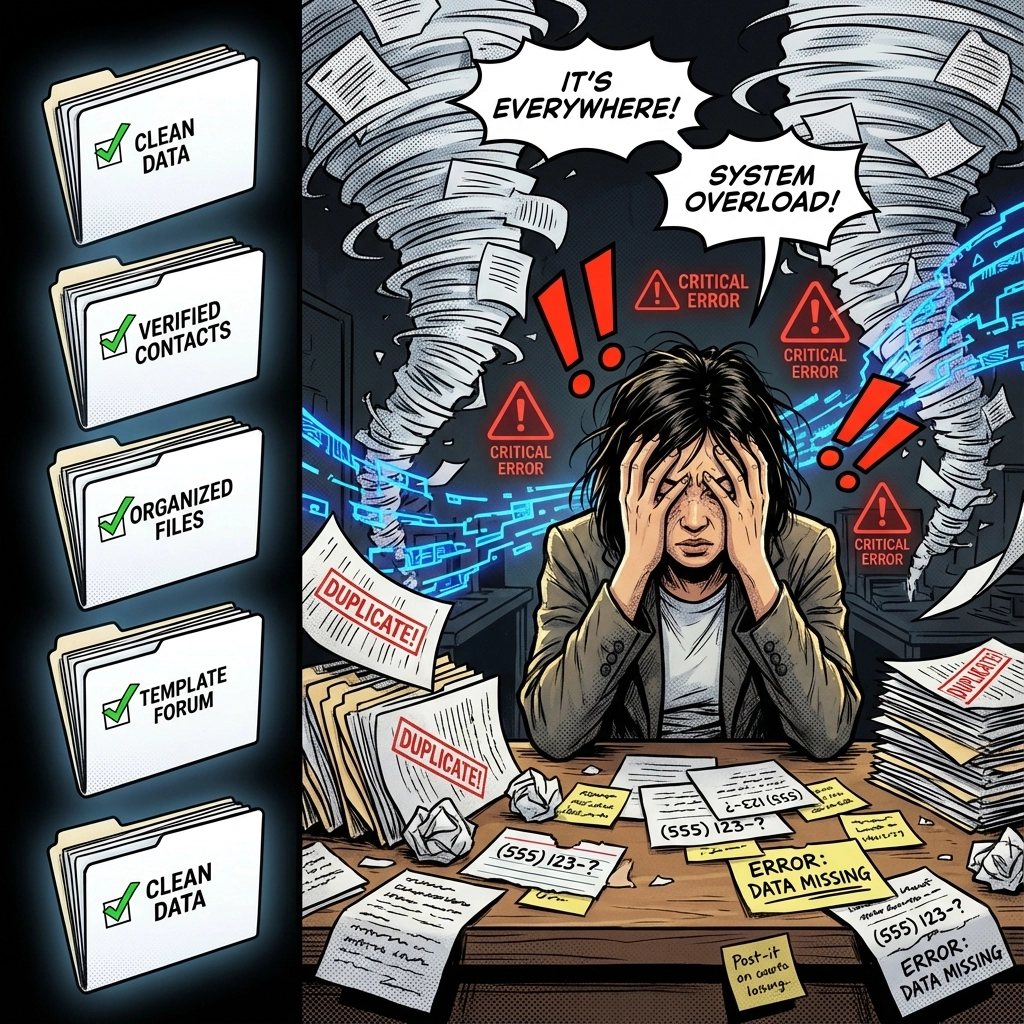
What Goes Wrong: Rushing to import contacts without cleaning your database first. Duplicate customers, inconsistent phone formats, and incomplete records create chaos in your new system.
Real Impact: A house cleaning service imported 3,000 contacts with duplicates and formatting issues. Result? Customers received multiple appointment reminders, some got charged twice, and the business spent 40 hours manually fixing data instead of serving clients.
THE FIX:
- Remove ALL duplicate contacts before import
- Standardize phone numbers (same format for all)
- Fill incomplete fields or delete incomplete records
- Verify email addresses are valid
MISTAKE #3: Breaking Your Appointment Booking System
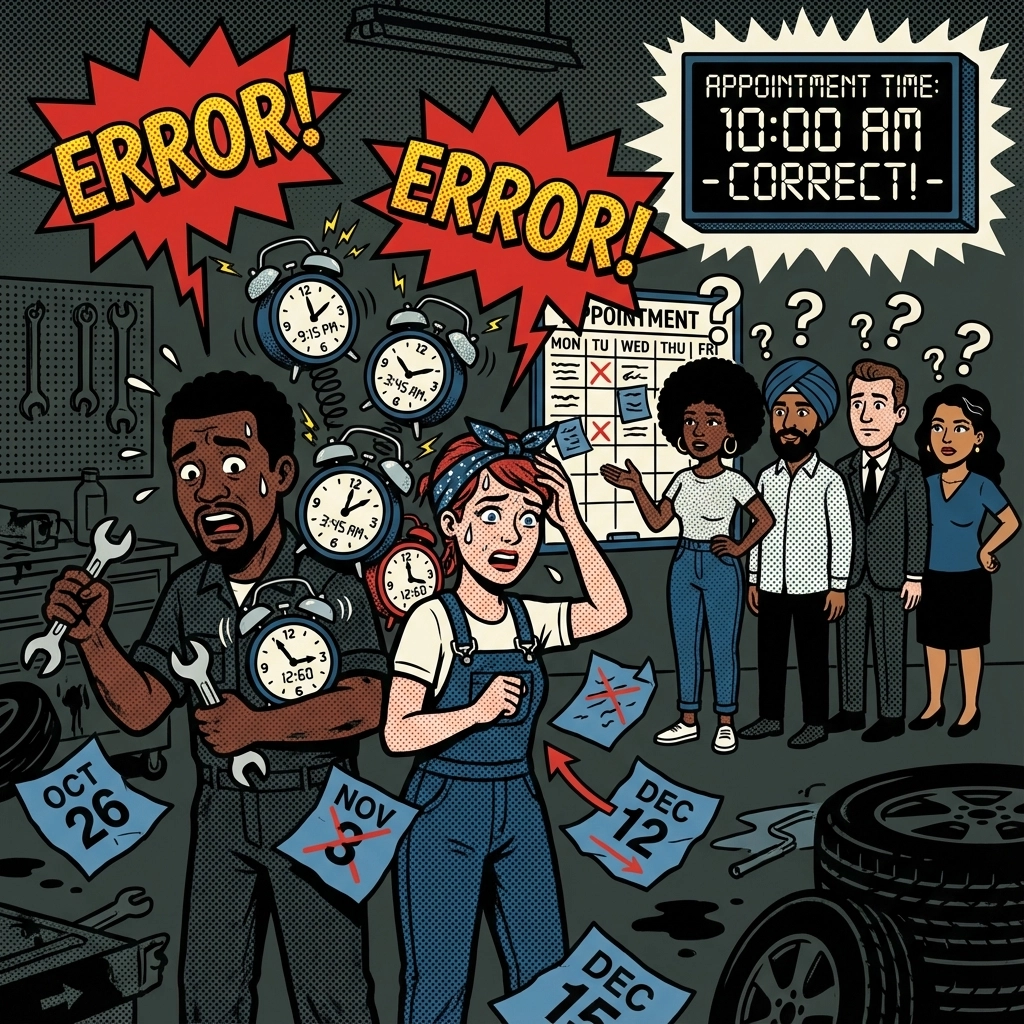
What Goes Wrong: Local service businesses depend on seamless appointment scheduling. During migration, calendar integrations often break, booking links stop working, and reminder systems fail.
THE DISASTER: An automotive repair shop migrated over a weekend without testing their booking system. Monday morning, customers couldn’t schedule appointments online. The shop lost 15 bookings and $2,800 in revenue before fixing the issue.
THE FIX:
- Test ALL booking links before going live
- Send test appointments to yourself
- Verify calendar sync works both ways
- Set up backup booking methods during migration
MISTAKE #4: Killing Your Email Deliverability
What Goes Wrong: Immediately blasting emails after migration without warming up your domain. Your emails land in spam folders, destroying communication with existing customers.
Real Numbers: A landscaping company sent welcome emails to 1,500 customers right after migration. Only 12% reached inboxes. Their email reputation tanked, affecting all future campaigns.
THE FIX:
- Warm up email domains BEFORE migration
- Verify DKIM and SPF records
- Start with small email batches
- Test deliverability with different email providers

MISTAKE #5: Zero Communication = Maximum Chaos
What Goes Wrong: Not telling your team or customers about the migration timeline. Everyone gets confused when systems change, leading to frustrated customers and stressed employees.
THE SOLUTION:
- Create a detailed migration timeline (7-21 days typical)
- Inform customers about any service interruptions
- Train your team on new workflows BEFORE go-live
- Over-communicate every milestone
Working with a skilled gohighlevel consultant can eliminate communication gaps and ensure smooth transitions for your entire organization.
MISTAKE #6: Going Live Without TESTING Everything
What Goes Wrong: Launching GoHighLevel without thoroughly testing pipelines, automations, and integrations. Small errors compound quickly, disrupting customer service.
Case Study: A dental office migrated without testing their appointment confirmation workflow. The automated SMS reminders sent incorrect appointment times, causing 20+ patients to show up at wrong times. The chaos lasted three days.
THE FIX:
- Test EVERY automation with sample data
- Run through complete customer journeys
- Verify all integrations work correctly
- Have rollback procedures ready
MISTAKE #7: Ignoring Team Training
What Goes Wrong: Assuming your staff will figure out GoHighLevel on their own. Without proper training, team members make errors that directly impact customer experience.
THE COST: A carpet cleaning business didn’t train their scheduler on the new system. She accidentally double-booked appointments for an entire week, forcing the owner to work overtime and offer discounts to angry customers.
THE FIX:
- Schedule dedicated training sessions
- Create simple workflow guides
- Practice common scenarios together
- Identify GoHighLevel power users on your team
MISTAKE #8: Migrating Features You Don’t Need
What Goes Wrong: Trying to recreate every feature from your old CRM instead of focusing on what actually drives your business. This creates unnecessary complexity and delays.
Smart Approach: Identify the TOP 5 features your local service business can’t operate without:
- Appointment scheduling
- Customer communication workflows
- Payment processing
- Service reminders
- Review collection
Migrate these first. Add nice-to-have features later.
MISTAKE #9: Forgetting Third-Party Integrations
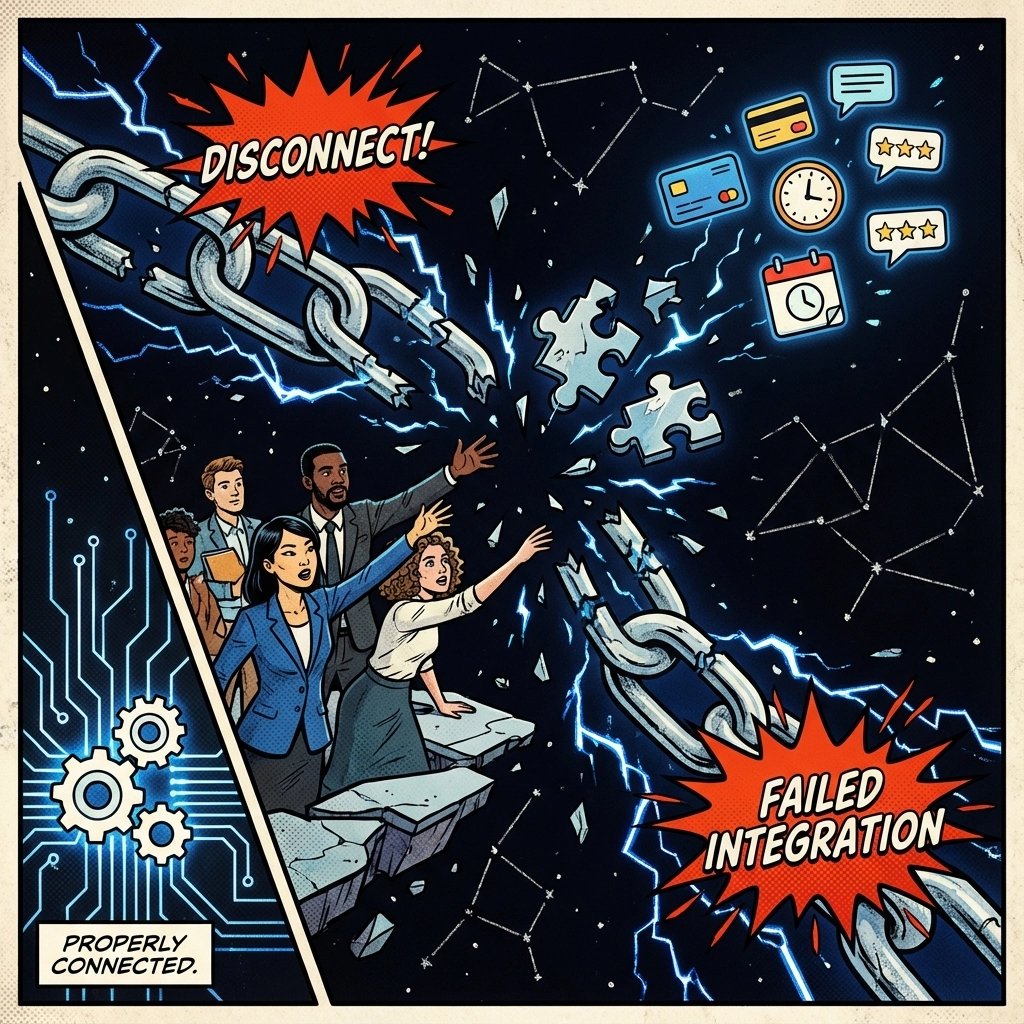
What Goes Wrong: Your CRM probably connects to other tools: Zapier, payment processors, scheduling apps, review platforms. These connections break during migration if not properly rebuilt.
THE CHECKLIST:
- List ALL current integrations
- Export data from connected apps
- Rebuild connections in GoHighLevel
- Test each integration thoroughly
MISTAKE #10: No Backup Plan
What Goes Wrong: Migration goes sideways with no way to quickly restore operations. Your business grinds to a halt while you scramble to fix problems.
THE SAFETY NET:
- Keep your old CRM running during migration
- Export ALL data in multiple formats
- Document rollback procedures
- Set clear “go/no-go” decision points
The SMART Migration Strategy for Local Service Businesses
Week 1: Data audit and cleanup
Week 2: System setup and integration testing
Week 3: Team training and soft launch
Week 4: Full migration and optimization
Most local service businesses see IMMEDIATE improvements in customer communication and appointment management when they migrate correctly to GoHighLevel.
The platform’s automation capabilities can increase appointment show-rates by 25-40% and reduce administrative work by 15+ hours per week. But only if you avoid these critical mistakes.
Ready to migrate without the headaches? Focus on proper planning, thorough testing, and team preparation. Your local service business deserves a CRM that works as hard as you do: and GoHighLevel delivers exactly that when implemented correctly.
The difference between a smooth migration and a disaster often comes down to preparation and expertise. Don’t let migration mistakes cost you customers, revenue, or your sanity.